
System Requirements for CAI® World: Simply via Browser
Platform CAI® World
Tools that make a difference. For people who make a change.
Video conferencing? Included.
System Requirements
To use the CAI® World, you only need a browser and an internet connection. Depending on the operating system used, the browsers listed below are supported.
a) Windows Systems
We recommend Chromium-based browsers to benefit from their powerful audio and video transmission capabilities:
- Microsoft Edge
(Default browser in Windows 11) - Google Chrome
Other Chromium browsers such as Brave, Vivaldi, Opera can generally also be used. However, due to the wide variety of versions, functionality cannot be guaranteed consistently. For Brave, for example, it is recommended to disable the cookie-banner blocking feature, as this legally required dialog must be confirmed for further functionality (“EasyListCookie” off or set an exception for the server).
Sessions/tools are usable but not recommended due to limited audio and video functionality:
- Mozilla Firefox
b) Apple Systems with macOS
- Google Chrome
- Apple Safari
Sessions/tools are usable but not recommended due to limited audio and video functionality:
- Mozilla Firefox
c) Apple iPad with iOS
- Apple Safari
d) Android Tablets
- Google Chrome
For security and functionality reasons, these browsers must be used in their current versions. JavaScript must be enabled in the browser settings.
Further Information
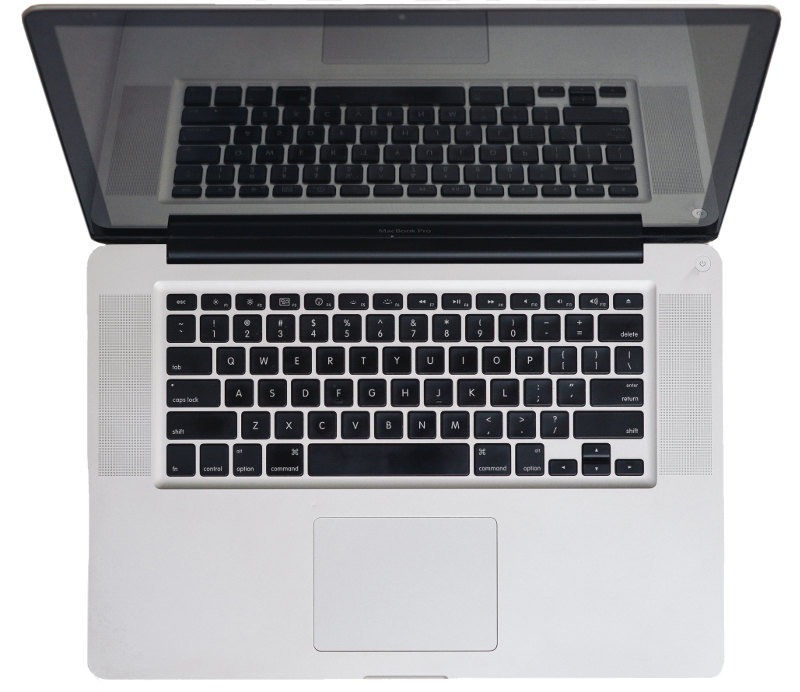
You can check the compatibility of your computer system using our system check. JavaScript must be enabled in the browser for this.
We recommend notebooks/PCs with a screen size larger than 13 inches and a display resolution of 1440x900 pixels or higher.
Audio/Video Functionality in the Browser

The CAI® World uses an internet standard for video transmission: WebRTC. This allows you to use your camera and microphone/headset directly in the browser without any additional installation.
Transmitting audio and video data requires a more powerful internet connection than using the rest of the platform with its graphical tools. Depending on the selected video quality, transmitting your camera image requires approximately 0.5 Mbit/s upload speed. In addition, you receive the videos of the other participants, which requires about 0.5 Mbit/s download speed per video.
We recommend using a headset instead of the standard notebook microphone or webcam microphone. Headsets generally provide better voice quality and reduced background noise.
System Requirements for the 3D System Board
To use the 3D visualization in the System Board, the option “Use hardware acceleration when available” should be activated in the browser. This allows graphics processing to be handled by the device’s GPU, which is typically sufficient for smooth performance on modern notebooks. No external graphics accelerator is required — however, the device should not be too old to ensure stable performance.
Help Center
Get the most out of CAI® World: Our Help Center provides direct support through a book_ribbon manual, movie videos, and question_exchange FAQs.